
Using Tags
What are Tags?
Section titled “What are Tags?”Tags are pieces of reusable text (also known as snippets) that anyone usually can use to quickly send common responses in support tickets or chats (for example). They help to reduce repetitive typing and ensure consistent communication.
Managing Tags
Section titled “Managing Tags”Tag Configuration
Using Tags
Section titled “Using Tags”Tags can be used in- and outside of tickets. The key difference is how they are sent.
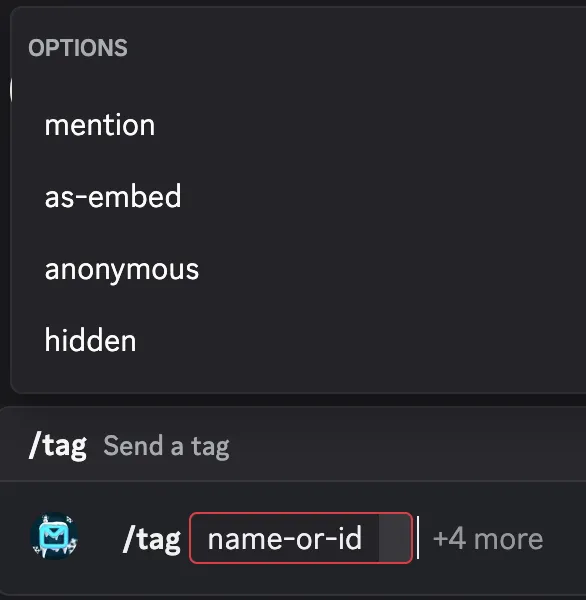
You send a tag with the command /tag with various options:
| Option | What is does | Note |
|---|---|---|
name-or-id | The name or id of the tag to send | Required |
mention | Provide a user to mention when sending | Ignored in tickets |
as-embed | Send the tag as an embed | Ignored in tickets |
anonymous | Send the tag anonymously | Tickets only |
hidden | Send the tag as hidden (only you see the response) | Ignored in tickets |
This is btw also explained in the command descriptions…
Tags in Tickets
Section titled “Tags in Tickets”When sending a tag in a ticket, the tag content is sent directly to the user and it looks like a normal message from the serverteam.
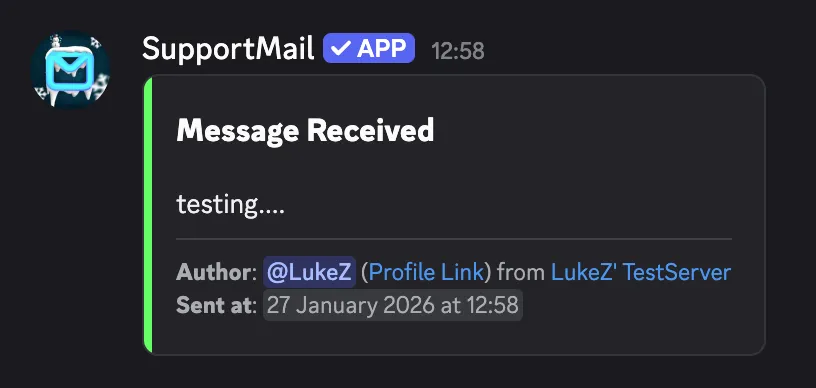
In tickets, you can also provide the anonymous option to send the tag without revealing your identity.
Tags outside of Tickets
Section titled “Tags outside of Tickets”When sending a tag outside of tickets (for example in a server channel), the tag is sent as a bot message and not as a reply to the slash command.
There you can also provide the mention, as-embed, and hidden options to customize how the tag is sent.
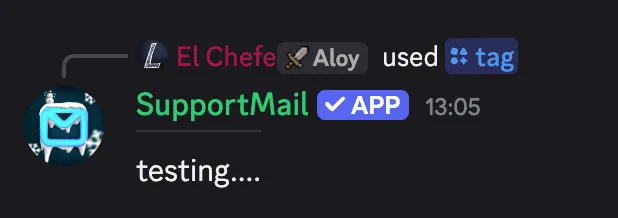

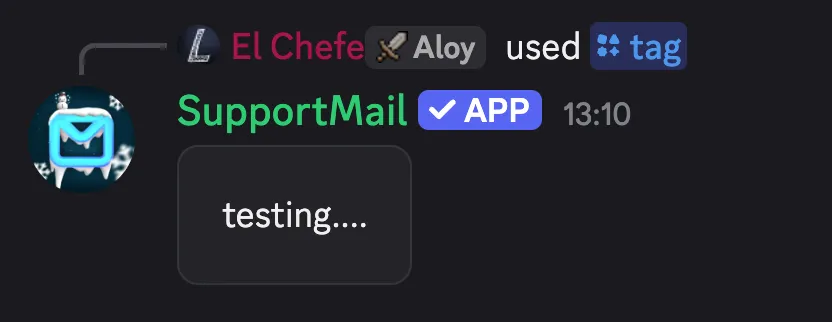
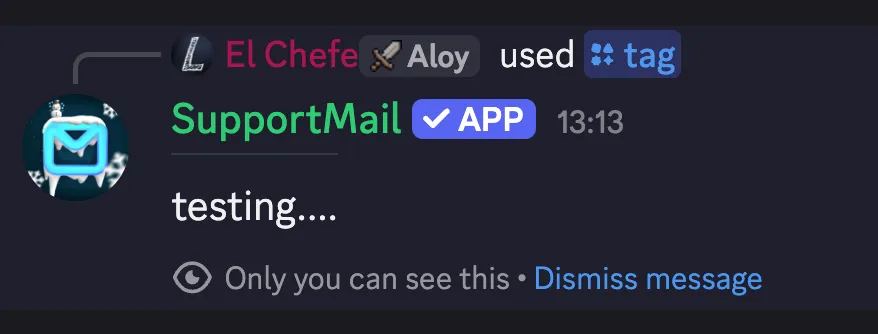
You can also mix all options together if you want…